 ThumbProof
Shorts and Reels cover preview with every crop
See your vertical cover in a shelf of other videos and in a full-screen player with the caption and button areas marked. Then check how 4:5 and 1:1 profile grids will crop it.
- 100% local, never uploaded
- No sign-up
- Free


Your 9:16 cover
Drop one vertical image (1080×1920 works best), click the slot, or paste.
Title truncation meter
Visual audit score
Next steps
Check a vertical cover in three steps
- 01
Add your 9:16 cover
1080×1920 works best. Or load an example.
- 02
Check the UI zones
Turn on the safe zone to see where captions and buttons sit.
- 03

Review the crops
Make sure the subject survives the 4:5 and 1:1 grid crops.
Designing covers for vertical feeds
Designing Covers for Full-Screen Vertical Video Feeds
Vertical short-form video requires a completely different design philosophy than traditional landscape media.
Vertical covers utilize a 9:16 aspect ratio, displaying on tall mobile screens where visual pacing and vertical composition determine whether a browsing user pauses.
Because vertical feeds are navigated through rapid swipe gestures, your central visual message must communicate context within a split second.
The Shorts and Reels Cover Preview tool allows you to examine vertical artwork inside simulated mobile environments:
Simulating your vertical cover in its natural aspect ratio ensures your visuals maintain integrity before you upload.
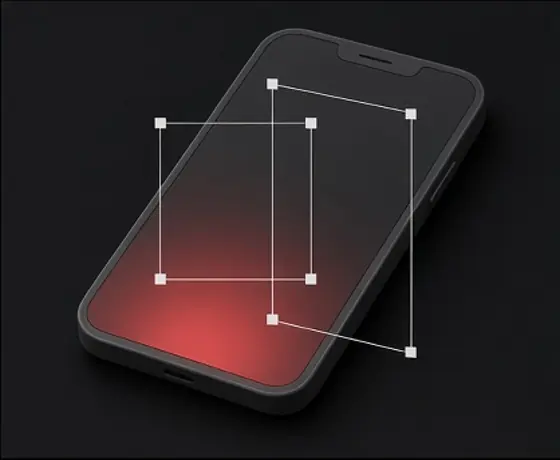
Vertical alignment
Unlike wide formats, vertical imagery relies on a strong centered vertical axis to keep subjects anchored across diverse device screens.
Shelf presentation
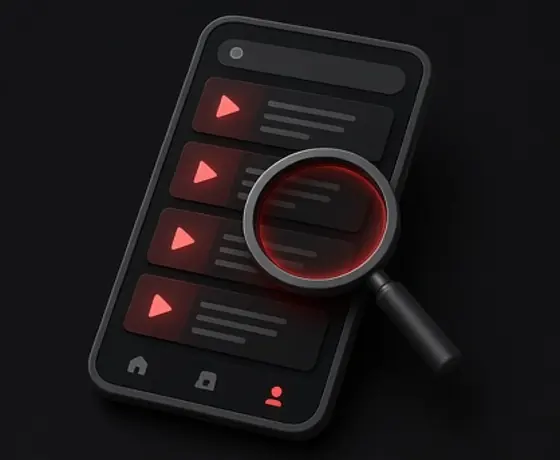
In addition to full-screen playback, vertical videos often appear side by side in horizontal browsing shelves, where multiple 9:16 cards compete directly.
Typography hierarchy
Large, concise lettering positioned in the safe center prevents text from getting lost against busy backgrounds or obscured by platform UI overlays.
Full-screen vertical video playback features heavy interface overlays positioned directly over the viewing canvas. The right edge of the screen is crowded with engagement icons including like, comment, share, and audio remix buttons.
Meanwhile, the bottom third of the screen is occupied by creator account handles, captions, sound tags, and interactive links. Designing without mapping these zones almost guarantees obscured content.
The Cover Preview tool superimposes transparent guides to mark high-risk zones across vertical layouts:
Side action column
The entire right-hand margin should remain free of focal imagery, critical text, or logos that could be covered by interactive buttons.
Lower metadata zone
The bottom 25 to 30 percent of the screen is heavily masked by account names, descriptions, and audio details.
Top header margin
The upper perimeter often contains search icons, category navigation, or platform status bars.
Anticipating Profile Grid and Feed Crops
A 9:16 vertical cover rarely remains exclusively in full-screen vertical format.
When viewers visit a creator profile or encounter your video in standard browsing feeds, the platform automatically crops your vertical asset into alternative aspect ratios.
Most commonly, full-screen vertical media is trimmed into a 4:5 feed view or a square 1:1 profile grid tile.
Failing to plan for secondary crops can result in cut-off headlines, decapitated subjects, and awkward compositions:
Checking every crop format simultaneously eliminates unpleasant visual surprises after publishing.
Square 1:1 grid preview
The tool overlays a centered square grid crop to verify that your main subject and central title remain perfectly framed on your channel or profile page.
Portrait 4:5 feed crop
The 4:5 preview illustrates how the top and bottom slices of your 9:16 artwork are trimmed when presented in standard vertical timelines.
Dead zone awareness
Placing critical graphical elements strictly within the overlapping intersection of 9:16, 4:5, and 1:1 ensures your cover looks intentional across every platform touchpoint.
Frequently asked questions
What aspect ratio should I use for vertical video covers?
Vertical covers use a standard 9:16 aspect ratio (commonly 1080x1920 pixels), which matches full-screen mobile displays.
Why do I need to check 1:1 and 4:5 crops for vertical covers?
While your video displays at 9:16 during full-screen playback, platform profile tabs and feed listings often crop the cover to a square 1:1 tile or a 4:5 rectangle. Testing these crops ensures your main subject stays centered.
Which areas of a 9:16 vertical cover are blocked by interface icons?
The right-hand edge holds engagement icons like like and share buttons, while the bottom section is covered by channel handles, captions, and audio labels. Essential text should stay centered.
Does this preview tool support both Shorts and Reels format layouts?
Yes. The tool simulates typical 9:16 vertical video shelf layouts and overlay boundaries common to short-form video feeds.
Can I test how my vertical cover looks inside horizontal browsing shelves?
Yes. The tool includes a simulated vertical shelf view showing how multiple 9:16 cover cards sit next to each other on browsing pages.
Are the vertical UI overlay zones guaranteed to be exact on every smartphone?
No. Mobile device dimensions, aspect ratios, and app versions vary. The overlays are simulated safe zone approximations to help you avoid common cutoff areas.
Make your vertical cover crop-proof
See the shelf, the player and both grid crops in seconds.
More free tools and guides
 Video Thumbnail Size, Resolution, File Limits and Safe ZonesGuide
 High-CTR Thumbnail Checklist: 7 Visual Principles That Get NoticedGuide
 Title Truncation by Device: Pixel Widths, Not Character CountsGuide